


AI is moving into a more serious phase. Over the last couple of years, most teams used AI as a productivity helper: drafting emails, summarizing documents, brainstorming ideas, and answering questions. That stage was useful, but it didn’t change how work actually runs. In 2026, the bigger shift is that AI is starting to operate as part of the workflow itself. Instead of “ask a chatbot,” more organizations are building AI systems that can plan tasks, coordinate across tools, run steps automatically, and check results before anything is finalized.
This matters because most organizational work is not a single action. It’s a chain: intake → interpretation → decision → execution → review → follow-up. The more steps involved, the more likely something gets stuck, forgotten, or done inconsistently. The trends being discussed for 2026 point toward AI becoming better at handling that chain not by being “more magical,” but by being structured, controlled, and connected to real systems.
Below are eight trends shaping AI adoption in 2026, expanded into full descriptions with practical examples and “what to do next” guidance.
1) Multi-Agent Orchestration: Why One AI Assistant Won’t Handle Real Work Reliably
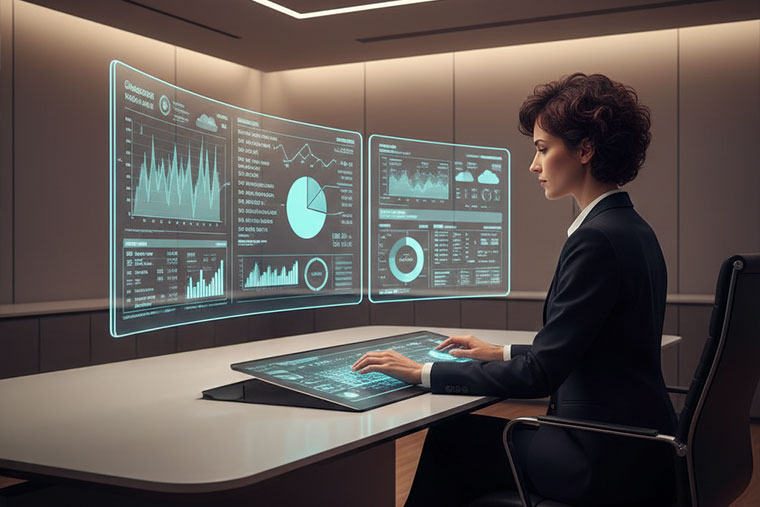
Early AI use often looked like this: one assistant gets a big prompt and produces a big answer. That approach breaks down as soon as tasks become multi-step. The AI may skip steps, forget constraints, give an answer that sounds correct but doesn’t match the data, or fail to notice missing inputs. People then spend time checking, fixing, or re-running prompts,so the time savings shrink.
Multi-agent orchestration is a more realistic model. Instead of one general assistant, you use a small group of specialized agents with distinct responsibilities, coordinated by an orchestration layer. Think of it like how humans work on real projects: one person plans, another executes, someone reviews, and a lead ensures the handoff is clean.
A typical multi-agent pattern includes:
- A planner agent that breaks the goal into steps and decides the order.
- One or more worker agents that execute the steps (research, draft, compute, update tools).
- A review agent that checks output for errors, missing context, policy issues, or weak logic.
- An orchestrator that tracks progress, routes tasks, and decides when to loop back.
This setup reduces the “single point of failure” problem. If a worker agent makes a mistake, the review agent can flag it. If the plan missed something, the system can revise the plan rather than silently producing a polished wrong answer.
Example: A marketing team wants a monthly report.
A planner agent defines what to include (traffic trends, lead sources, conversion rates, top pages, campaign results). Worker agents pull data, generate explanations, and draft a report. A review agent checks that numbers match the source data and that claims are supported. The orchestrator produces a final version with clear next steps and flags where human judgment is needed.
In 2026, the organizations getting better outcomes will not be the ones asking AI to “do everything.” They’ll be the ones designing these agent roles and building clean handoffs between them.
2) Digital Labor Workforce: AI That Moves Tasks Forward, Not Just Creates Text
Most AI output today stops at content. You get a summary, a draft, or a list of ideas, and then a human still has to do the operational work: opening tools, updating fields, creating tickets, sending follow-ups, and tracking completion. That gap is where digital labor comes in.
Digital labor means agent systems that can take action inside your business tools within defined permissions and with clear stop rules. The goal is not to replace teams, but to reduce repetitive operational load and speed up routine flow.
In practice, digital labor agents can:
- Read inputs (emails, chat, PDFs, intake forms).
- Classify intent and urgency.
- Create or update records (CRM, helpdesk, project tools).
- Trigger workflows (notifications, follow-up tasks, approvals).
- Track whether tasks are completed and escalate when needed.
Where digital labor shows up first:
Teams that deal with high volume and predictable rules: support, operations, sales ops, marketing ops, and healthcare administration.
Healthcare-flavored example: Referral follow-up
A referral comes in with incomplete info. An agent can identify missing fields, generate a follow-up request to the referring provider, log the interaction, set reminders, and route the case to a coordinator only when it meets “ready to schedule” conditions. Humans remain in control of decisions and exceptions, but the routine chasing and logging becomes faster and more consistent.
The big 2026 reality: once AI can act in tools, you must treat it like a system that needs management. Permissions, audit logs, approval gates, and monitoring are not optional. Digital labor is valuable only when it’s controlled.
3) Physical AI: AI Steps Out of the Chat Window and Into Real Environments
Physical AI is about AI models that can perceive and operate in the physical world. This includes robotics, but also broader systems that interpret sensor data, understand spatial environments, and make decisions based on physical constraints. The difference from classic automation is adaptability: physical environments change constantly, and rule-based systems become brittle.
A major reason physical AI is progressing is simulation. Instead of learning only from limited real-world trials, systems can train in simulated environments where thousands of variations are possible: different lighting, object positions, movement speeds, obstacles, and edge cases. This makes the AI more robust when moved into real settings.
Where physical AI matters in 2026:
- Warehouses: picking, packing, sorting, navigation
- Manufacturing: inspection, anomaly detection, quality checks
- Field operations: equipment inspection, predictive maintenance
- Healthcare logistics: supply movement, lab workflow automation, tracking
Physical AI adoption tends to follow a simple rule: it will be used where the cost of inefficiency is obvious—downtime, rework, slow throughput, and safety concerns. The AI doesn’t need to be perfect; it needs to be reliable enough to improve consistency and reduce manual overhead.
4) Social Computing: Humans and Agents Working in Shared Context
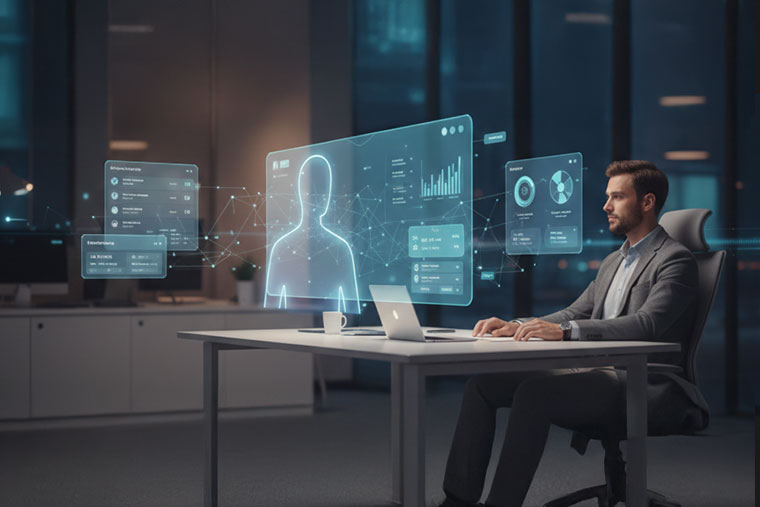
A quiet problem inside most companies is that work context is scattered. Decisions are made in meetings, then repeated in chat, then summarized in email, then written in a document, then logged in a tool—often with mismatches. Work stalls because someone missed a message, a note wasn’t updated, or a task wasn’t assigned clearly.
Social computing in this trend context refers to humans and AI agents operating inside shared context with visible task state. It’s not about social media. It’s about collaboration patterns that reduce information loss.
In practical terms, social computing looks like:
- AI that can track a task from request to completion.
- AI that can summarize what changed since last update.
- AI that can detect missing owners, unclear deadlines, or blocked dependencies.
- AI that can carry consistent context across channels without “memory chaos.”
Example: A product launch workflow
Instead of relying on people to copy information between tools, an agent can keep a single source of truth updated: what’s approved, what’s pending, what’s blocked, and who owns each step. It can produce status updates that reflect actual tool state rather than someone’s best guess.
The key here is controlled shared context. The best systems will keep project knowledge scoped—so the agent helps the team without storing random, unrelated information.
5) Verifiable AI: Trust Stops Being a “Nice-to-Have” and Becomes a Requirement
As AI output becomes operational, affecting customers, finances, and compliance the standards rise. It’s not enough for the output to sound plausible. Teams need to know: what data did it use, what steps did it take, and how do we audit decisions?
Verifiable AI focuses on auditability and repeatability. The goal is not to “prove AI is always right,” but to make it easy to check, trace, and correct.
Verifiable AI practices include:
- Clear logging of inputs, tool calls, and actions taken
- Evidence or references for key claims (where possible)
- Confidence indicators or uncertainty flags
- Review steps for high-risk outputs
- Evaluation tests that run regularly (accuracy, completeness, policy adherence)
Example: AI-assisted claims or billing workflows
If an agent suggests codes or flags missing documentation, the system should capture what rules were applied and what data supported the suggestion. That makes review faster and reduces “mystery decisions.”
In 2026, the best AI systems will be designed like quality-controlled processes, not like creative writing engines. Verification is what turns AI from interesting to usable.
6) Quantum Utility: Early Practical Advantage Through Hybrid Use (Not Sci-Fi)
.jpg)
Quantum computing often gets discussed in extremes: either “it will change everything tomorrow” or “it’s decays away.” A more grounded view for 2026 is quantum utility: quantum systems starting to provide value for narrow problem types, usually alongside classical computing.
In other words, quantum is treated as a specialized accelerator for certain tasks particularly optimization and simulation rather than a general replacement for existing infrastructure.
Potential early-use categories include:
- Constrained optimization (routing, scheduling, capacity planning)
- Complex simulation problems (chemistry, materials science)
- Certain modeling tasks where search space explodes with constraints
The real shift in 2026 is not that every organization needs quantum. It’s that some organizations will begin exploring quantum-assisted workflows where classical methods are costly or slow.
Practical readiness mindset:
If you have optimization problems that are already expensive like scheduling across many constraints start by formalizing them. Document the constraints, define success metrics, and identify which parts are bottlenecks. This preparation is useful even if quantum doesn’t become part of your solution immediately.
7) Reasoning at the Edge: Smarter On-Device AI for Speed, Privacy, and Reliability
Edge AI used to mean basic detection: simple models running on devices for classification or alerts. The 2026 trend is stronger reasoning at the edge more tasks handled locally without always calling a cloud model.
Edge reasoning matters for three practical reasons:
- Speed: Some decisions must be immediate.
- Privacy: Some data should not leave the device or local environment.
- Reliability: Connectivity is not always stable.
Where edge reasoning becomes valuable:
- Healthcare devices and monitoring systems
- Retail kiosks and in-store systems
- Industrial sensors and shop-floor automation
- Field operations where network is weak
- Mobile apps that require local intelligence
The likely 2026 pattern is hybrid: local models handle fast or sensitive tasks, while cloud models handle heavy analysis. Designing that split properly what runs locally, what runs remotely, and what gets verified will be a competitive advantage.
8) Amorphous Hybrid Computing: AI Systems That Route Work Based on Cost, Complexity, and Risk
As AI scales, cost becomes a daily concern. Not every task needs a large model. Many tasks are repetitive: extracting fields, summarizing updates, classifying intent, drafting short responses. Using the most expensive model for everything raises cost and can slow throughput.
Hybrid computing means routing work intelligently:
- Smaller models handle frequent, simple tasks.
- Larger models handle complex reasoning tasks.
- High-risk actions trigger stricter checks and sometimes human approval.
- Some tasks run locally, others in private infrastructure, others in public cloud.
“Amorphous” highlights flexibility: the system can shift based on workload, privacy requirements, and performance needs. The winners in 2026 will build systems that are adaptable without breaking workflows every time a model changes.
Example: Customer support triage
A small model can classify issue type and urgency. A larger model can draft a detailed response when needed. A verification layer checks policy compliance before sending. Escalation rules route sensitive cases to humans.
The benefit isn’t fancy. It’s practical: lower cost, faster handling, and fewer mistakes.
Conclusion
AI in 2026 will feel less like a “chat tool” and more like a work system. The real change is not only better answers, but better execution: AI that can plan tasks, follow steps, use tools, and check results before anything is finalized.
That’s what the trends in this blog point to:
- Multi-agent AI makes complex work safer by splitting it into smaller steps and adding review.
- Digital labor helps reduce repetitive work by letting AI handle routine actions inside tools (with clear rules).
- Verifiable AI becomes important because teams need outputs that can be checked and audited.
- Edge and hybrid computing help with speed, privacy, and cost by using the right setup for each task.
In healthcare, these ideas matter even more because work is high-volume, time-sensitive, and depends on accuracy. A practical way to think about it is: AI should reduce delays, remove unnecessary manual steps, and support staff not create new risks.
Cabot’s work in healthcare technology sits in the middle of these trends, where AI needs to fit into real workflows with proper checks. The focus for 2026 isn’t “more AI everywhere”, it’s AI used in the right places, with clear controls, so teams can rely on it every day.